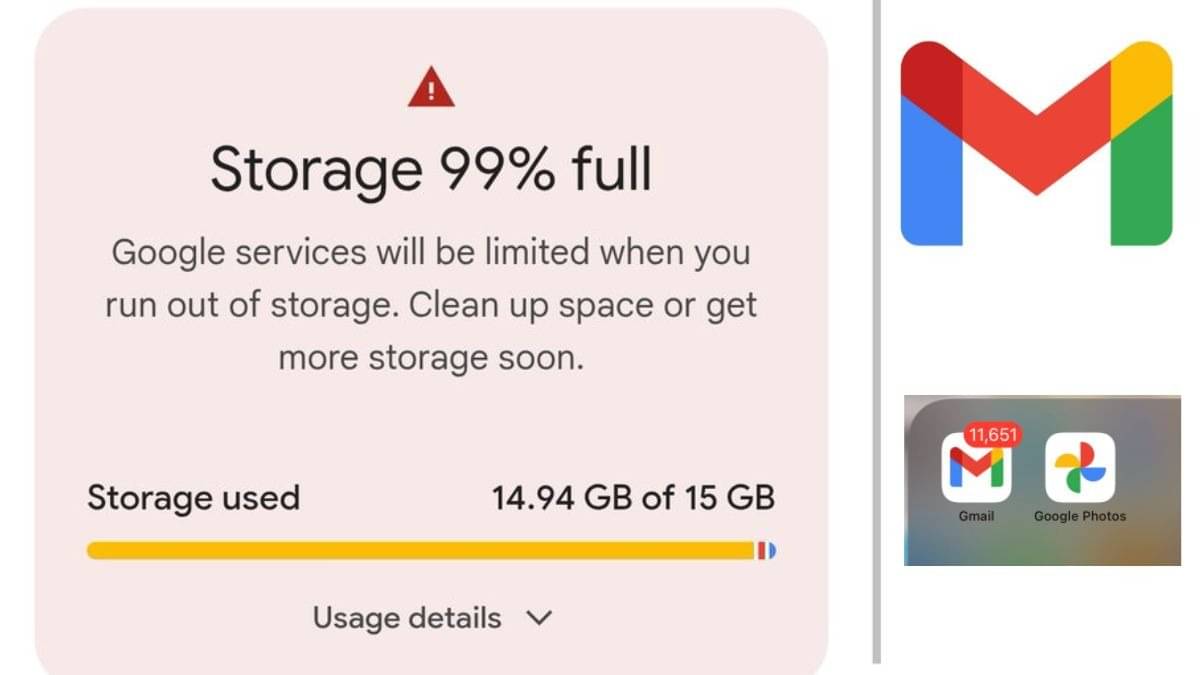
Getting full of Gmail storage is one of the biggest problems today, because most people keep the same personal email ID, so that important and always useful emails and files can be saved in it. Gmail stores not only e-mails, but also sent items, drafts, large attachments, files uploaded to Google Drive, and videos from Google Photos. In such a situation, Gmail storage gets full due to storing so many files.
Often users unknowingly keep large attachments and old backups despite keeping their inbox clean. Also, deleted emails occupy storage by staying in the Trash for up to 30 days, so just deleting them does not free up space. For this you have to follow some more steps. Let’s try to understand how storage can be obtained.
What to do to free up storage?
Use Google Storage Manager like this
Google Storage Manager is an official tool today, which divides the files taking up space in Gmail, Drive and Photos. By opening it, you can review and delete large e-mails, unwanted files in the drive and backup photos from a single interface. This is especially useful if files outside of Gmail are taking up a lot of storage.
You should also develop habits to avoid filling up the storage, for this empty the trash every month. Sharing Drive links instead of attaching large files to e-mails and unsubscribing from newsletters you don’t want will solve a lot of your problems. With these simple steps and Google’s exclusive tools, you can easily free up Gmail storage and continue using email seamlessly.
About the Author