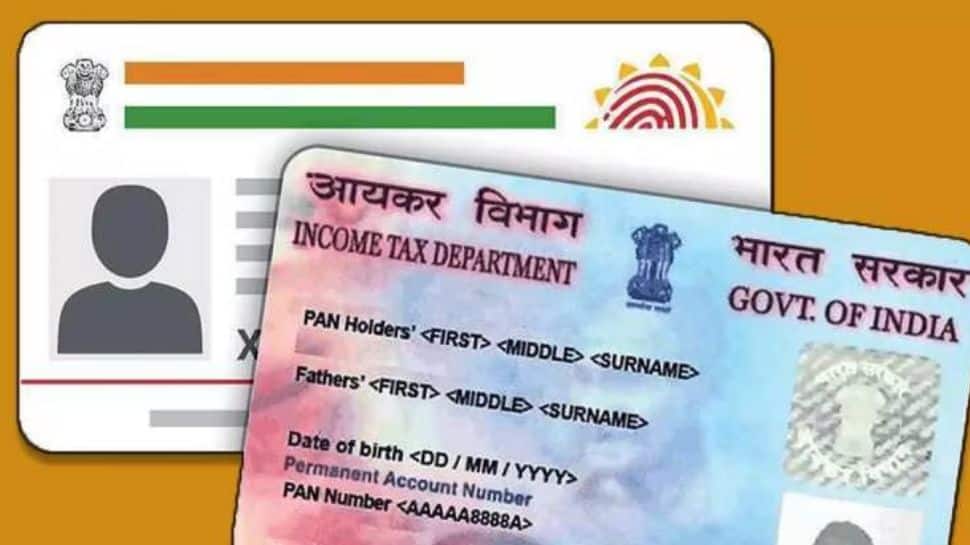
New Delhi: If you haven’t linked your PAN with Aadhaar yet, or need to correct any mismatched details, now is the time to act. With the December 31, 2025 deadline approaching, taxpayers are being urged to complete the process to avoid a Rs 1,000 penalty and prevent disruptions to important financial and tax-related services.
Why PAN–Aadhaar Linking Is Important
Linking PAN with Aadhaar is compulsory for individuals whose PAN was issued using an Aadhaar Enrolment ID before October 1, 2024. If this requirement is not completed on time, the PAN will become inoperative from January 1, 2026. This could affect key services such as filing income tax returns, receiving refunds, and carrying out banking transactions.
What Happens If PAN Is Not Linked with Aadhaar
If your PAN becomes inoperative due to non-linking with Aadhaar, it can lead to several inconveniences and disruptions, including:
– Difficulty in filing your Income Tax Return (ITR), as the tax department may reject your return
– Higher TDS/TCS deductions, with no credit reflecting in Form 26AS and unavailability of TDS/TCS certificates
– Restrictions on banking activities such as opening a bank account, getting debit or credit cards, depositing cash above ₹50,000, or making transactions over ₹10,000
– KYC-related issues that may interrupt access to various financial services
– Suspension of services by mutual fund houses and stockbrokers
Linking PAN with Aadhaar on time helps you avoid these issues and ensures smooth access to financial and tax services.
Step-by-Step Guide to Link PAN with Aadhaar Online
Follow these simple steps to link your PAN with Aadhaar online:
– Visit the Income Tax e-Filing portal – If you haven’t paid the penalty yet, a ₹1,000 fee may apply.
– Select “Link Aadhaar” under the Quick Links section.
– Enter your details – Provide your Aadhaar number, PAN, and name as per Aadhaar, then click Validate.
– Verify with OTP and payment – Enter the OTP sent to your Aadhaar-linked mobile number and complete the ₹1,000 payment, if applicable.
– Wait for payment verification – After a few days, revisit the e-Filing portal.
– Go back to “Link Aadhaar” – Enter your details again. A pop-up should confirm, “Your payment details are verified.” Click Continue.
– Enter Aadhaar name and mobile number – Double-check the information.
– Agree to verification – Tick the boxes to confirm your Aadhaar details.
– Complete linking – Click Link Aadhaar, enter the 6-digit OTP, and click Validate.
Once done, your PAN will be successfully linked to your Aadhaar, ensuring uninterrupted access to tax and financial services.
About the Author